The Mercedes-Benz App
A Premium Tool That Places Your Vehicle In The Palm Of Your Hand.
Your Driving Experience, Elevated
The Mercedes-Benz app transforms the way you connect with your vehicle, bringing its most useful capabilities together in one refined, intuitive experience. Think of it as a digital key to a smarter, more connected drive—one that lets you start your engine, prepare your cabin, and stay informed, wherever the day takes you. Whether you are commuting across Leawood, KS or embarking on your next weekend excursion, the Mercedes-Benz app keeps everything you need close at hand.
Start Your Engine
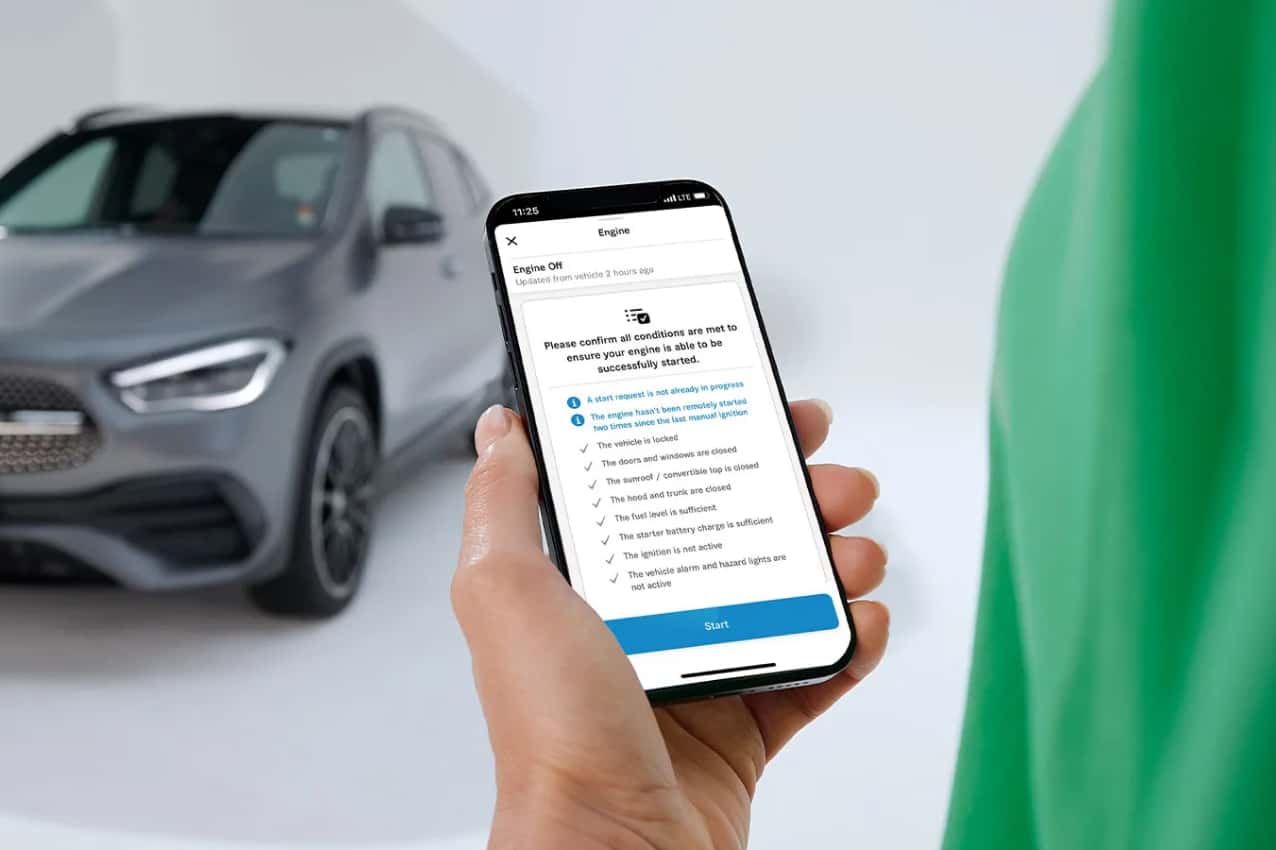
Remote Engine Start lets you bring your vehicle to life from your phone, so the cabin is running and ready the moment you step outside.
Prepare Your Cabin
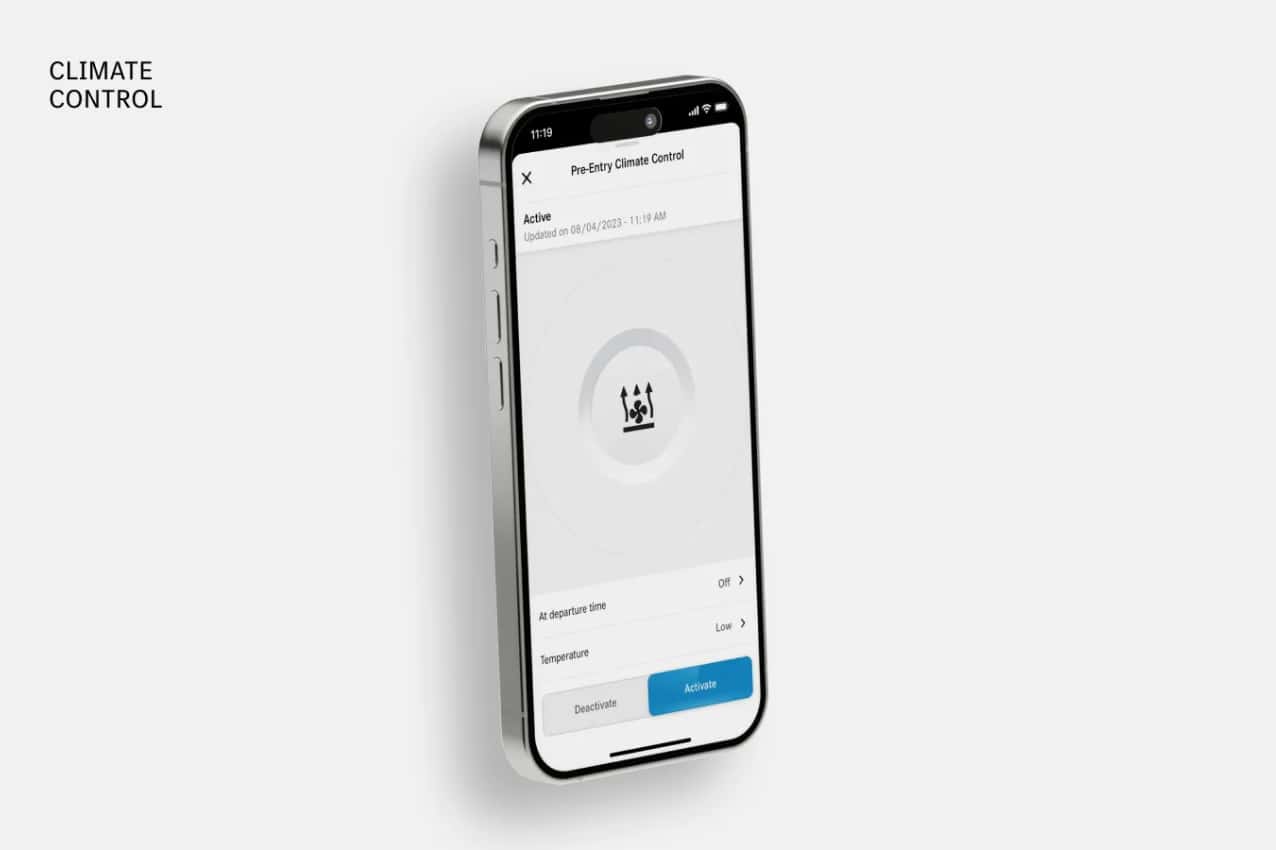
Precondition the interior of your Mercedes-Benz by setting your ideal temperature or activating the heated and cooled seats before you get in. You can even set a daily departure time, and your vehicle will automatically prepare itself to your preferences.
Elevate Your Experience
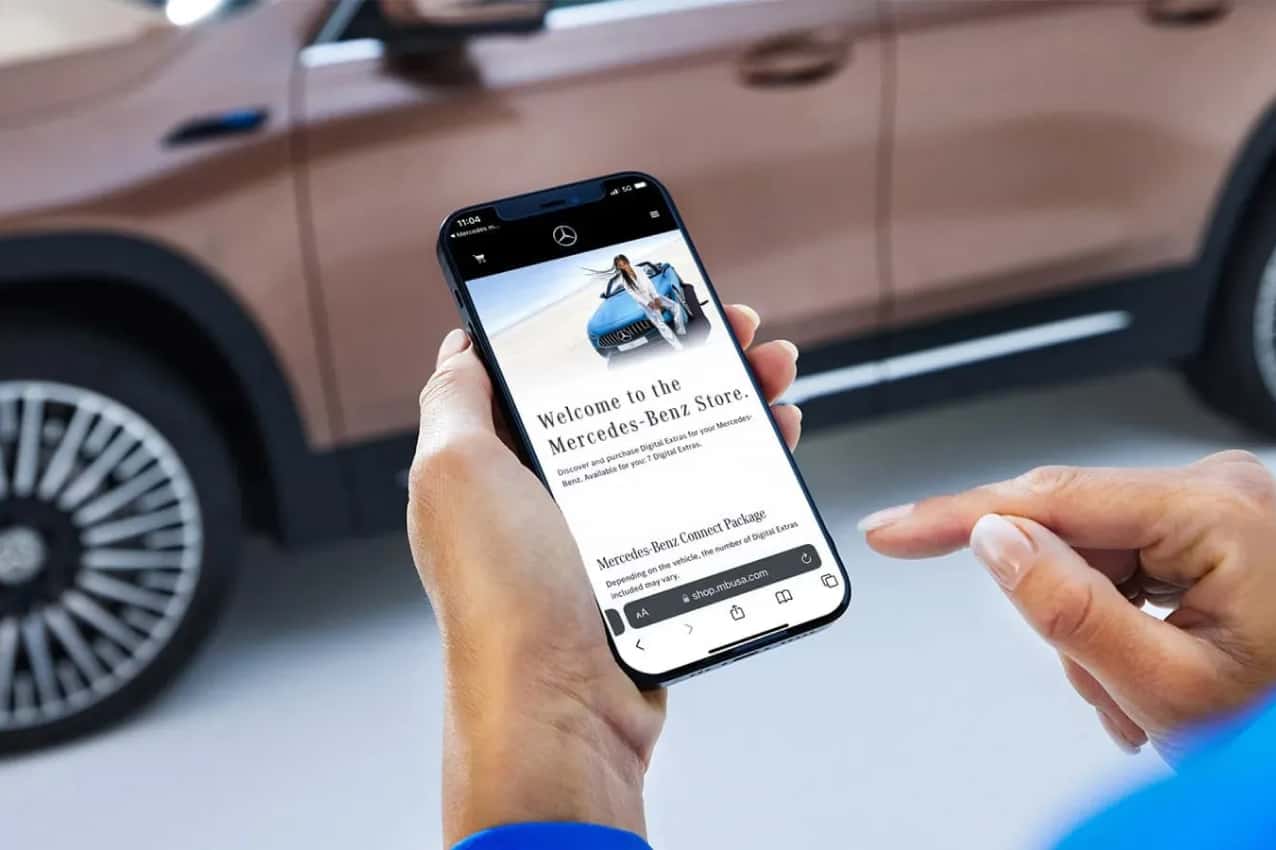
The app connects directly to the Mercedes-Benz Store, where you can purchase digital upgrades for your vehicle or renew subscriptions to keep your favorite remote features on hand.
Electrified Extras
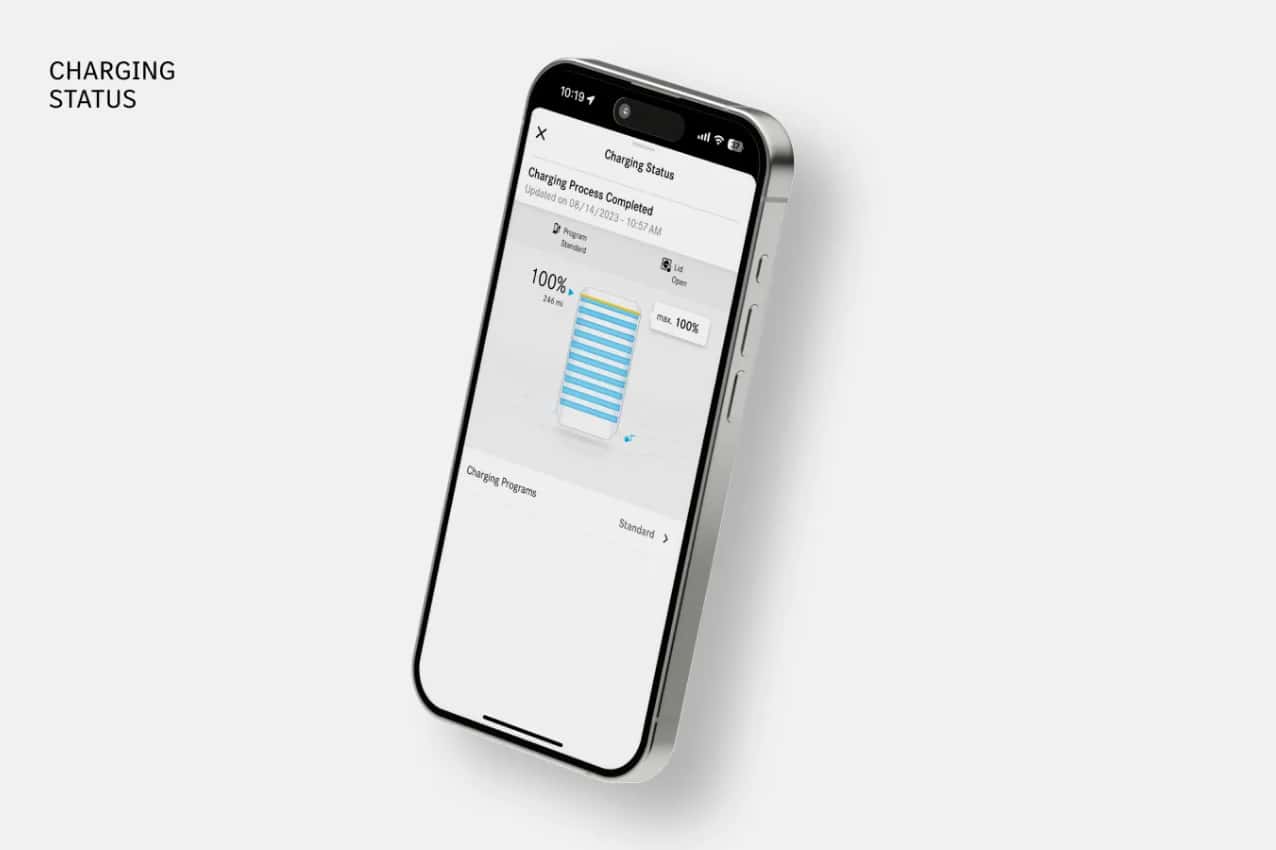
For all-electric and plug-in hybrid models, the Mercedes-Benz app lets you check your battery level and estimated charging time at a glance. Real-time push notifications keep you informed the moment your charging status changes.
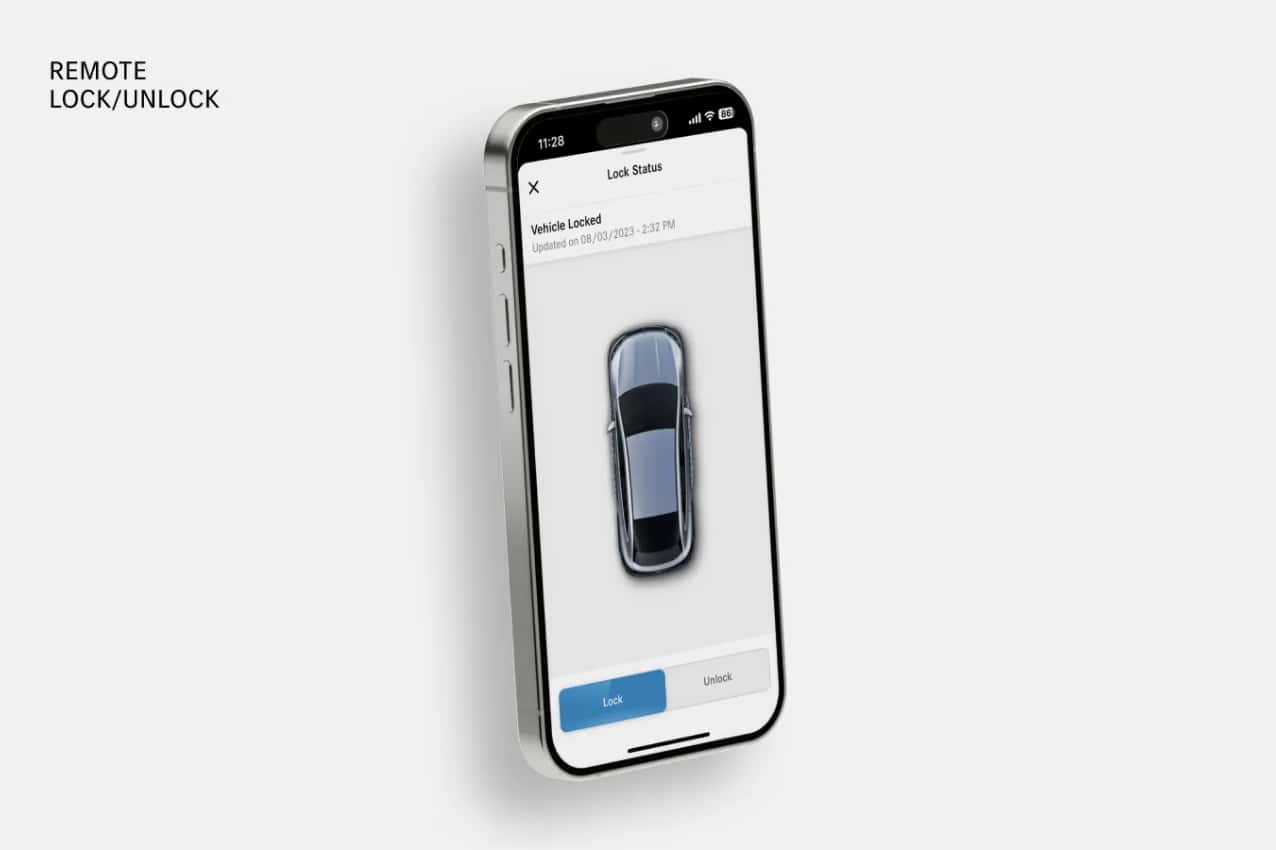
Safety First
Not sure if you remembered to lock your doors? With a single tap in the app, you can lock or unlock your vehicle from anywhere, giving you extra peace of mind that it's secure.
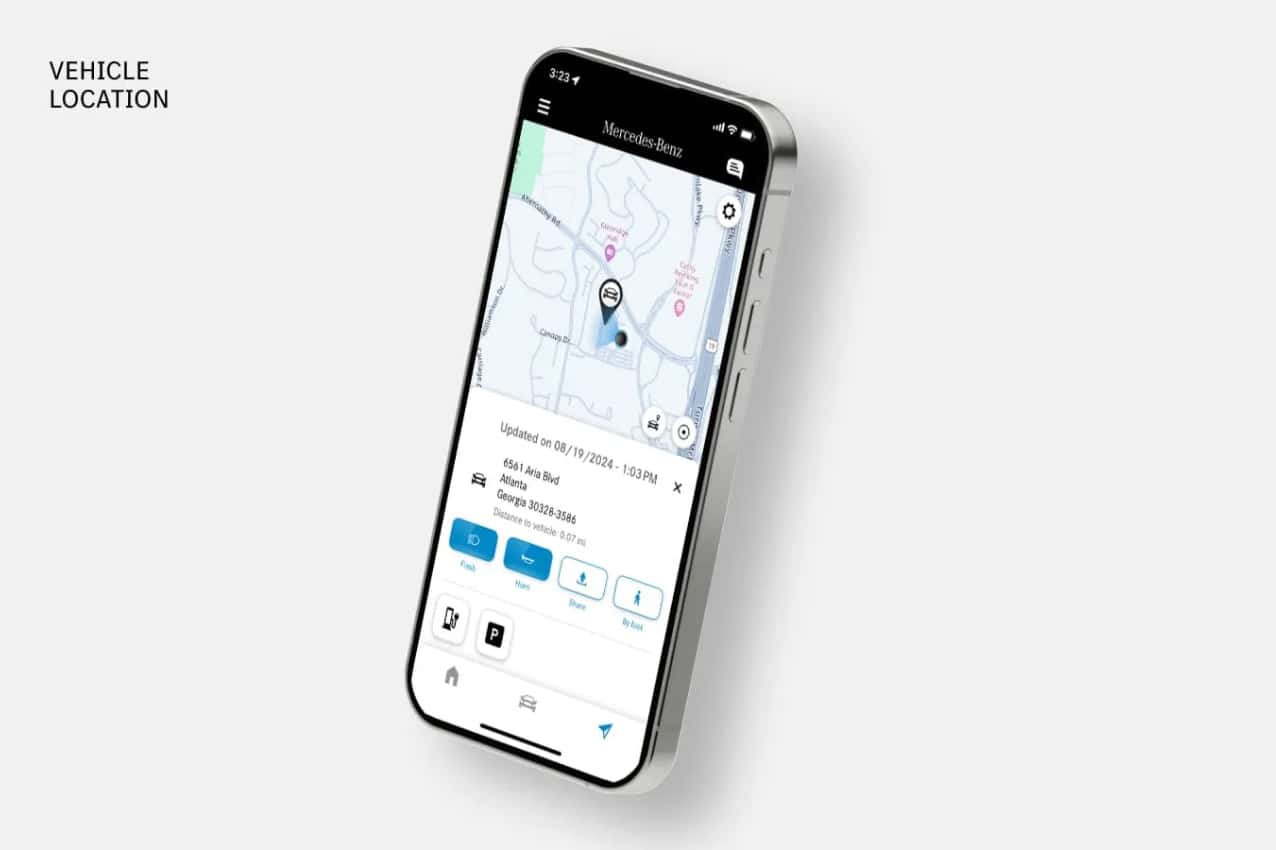
Never Lose Your Place
The Mercedes-Benz app can pinpoint your vehicle's location and activate the lights and horn, helping you quickly find your car in a crowded parking structure in Overland Park, KS or an unfamiliar lot.
Connected Features
Pair Your Device
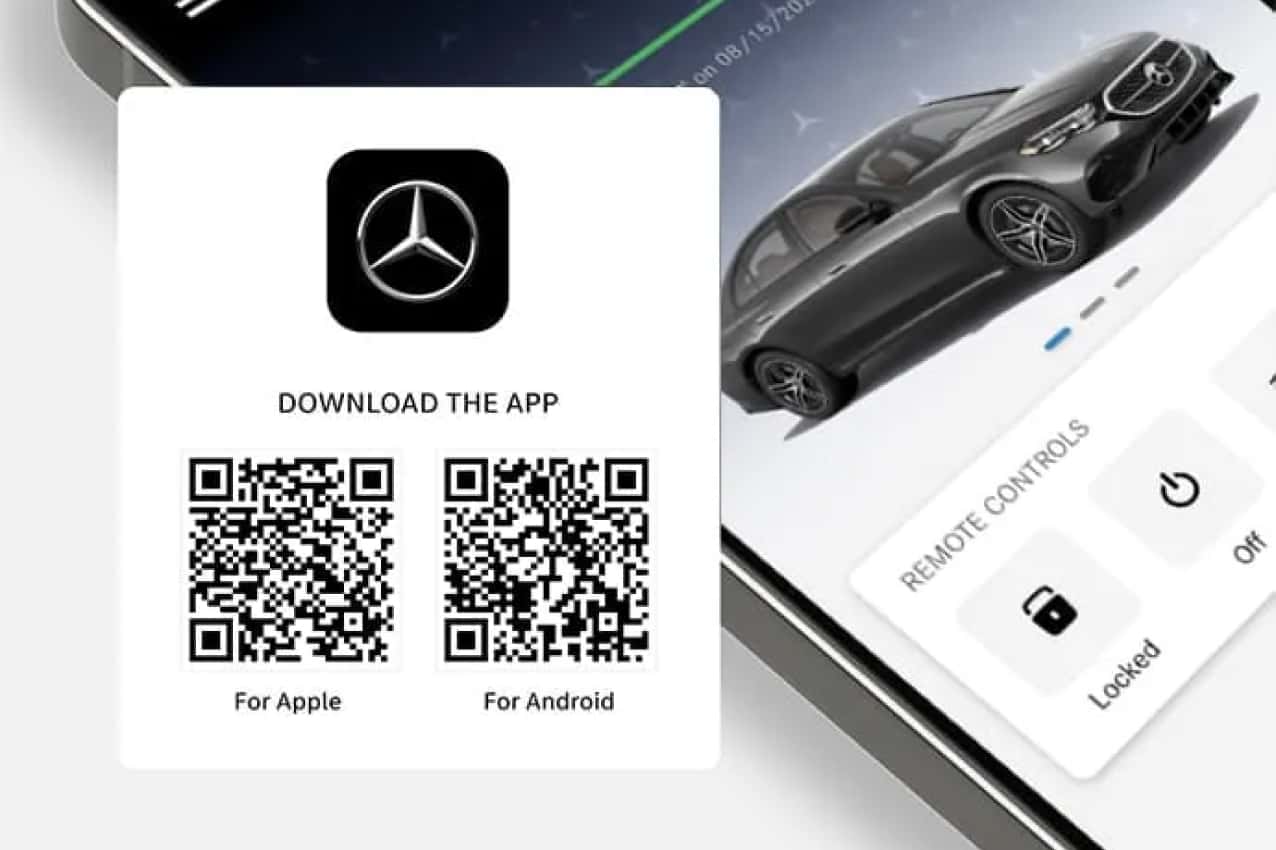
Ready to take full advantage of Mercedes-Benz Digital Extras? Download the app to your smartphone, then pair your vehicle in one of two ways: scan the QR code displayed in your vehicle's multimedia system, or enter your Vehicle Identification Number (VIN) directly in the app. If you would like a hand getting connected, the team at Mercedes-Benz of Kansas City South is happy to walk you through it.
Frequently Asked Questions
How Do I Get The Mercedes-Benz App?
If you own a model year 2019 or newer Mercedes-Benz vehicle, you can download the Mercedes-Benz app on your preferred device. It is available for both iOS and Android.
How Do I Activate My Mercedes-Benz App?
After downloading the app, follow the on-screen instructions to add your vehicle. Should you need any assistance, feel free to contact Mercedes-Benz of Kansas City South.
Do I Need A Credit Card To Activate The Mercedes-Benz App?
No, you can activate the Mercedes-Benz app without a credit card. If you wish to renew any complimentary services or add Digital Extras, however, you will need to provide a credit card for payment through the Mercedes-Benz Store.
What Happens When My Mercedes-Benz App Trial Ends?
When your complimentary trial ends, most remote services will stop functioning. Your account will remain open and active for any non-expiring services.
How Do I Extend My Mercedes-Benz App Services?
Visit the Mercedes-Benz Store online to view the services eligible for your vehicle, add products to your cart, and check out. Each service activates once your vehicle has an active connection, which can take up to 48 hours depending on your coverage zone.
What Is The Difference Between The Mbrace & Mercedes-Benz App?
The features are similar, but availability varies by model year. Mbrace services are offered on model year 2017 and 2018 vehicles, while the Mercedes-Benz app supports most 2019 and newer vehicles. Reach out to our team for details specific to your Mercedes-Benz.
Is There An App I Can Use To Manage My Mercedes-Benz Financial Services (MBFS) Account?
Yes, we recommend downloading the Mercedes-Benz Finance app. Once your account is registered, you can make payments, view transaction history, enroll in autopay, access statements, and more. Our Kansas City finance team can help you get started.
I Don't Have An "I" Button In My Vehicle; I Have A "Me" Button. How Does It Work?
The "me" button connects you to all call-center-based assistance services at the press of a button (non-emergency only). Examples include Roadside Assistance and Vehicle Information.
How Do I Activate My Vehicle's Wi-Fi?
In-car Wi-Fi is provided by a mobile network operator on behalf of Mercedes-Benz and requires a multimedia system with navigation. To sign up, open the Wi-Fi settings in your vehicle's multimedia system; it will guide you through the necessary steps.
Contact Us
The team at Mercedes-Benz of Kansas City South is here to help you download, activate, and get the most from the Mercedes-Benz app. Our sales associates proudly serve drivers throughout Stilwell, KS and are ready to help you find your next Mercedes-Benz. Reach out today to get started.